Why Are Most New Laptops Going AI-Enabled Under Intel's 2026 Vision?
Souvik Karmakar
27th February 2026
Are You Tired of Your Laptop Lagging During Simple Video Calls?
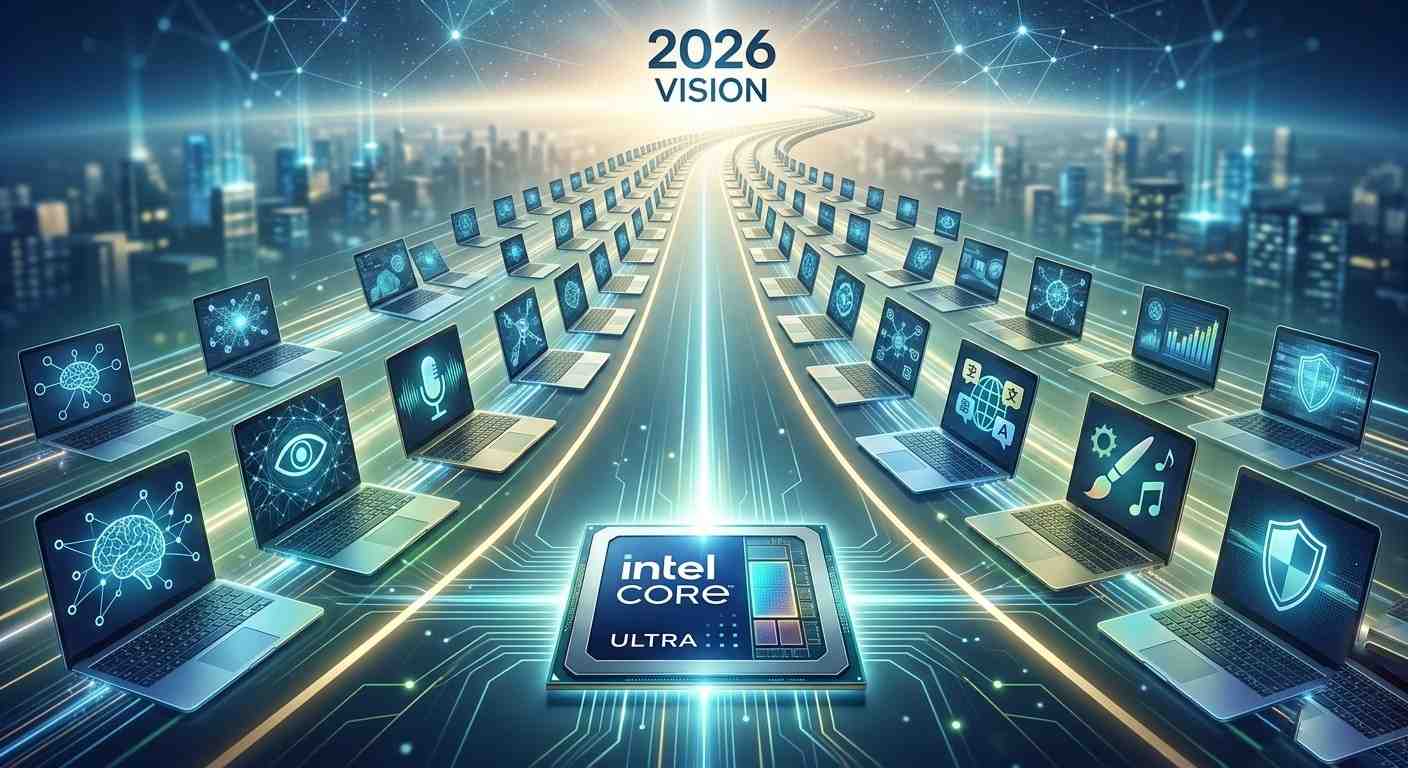
Have you ever tried to blur a Zoom background? Right away, you probably heard your laptop fan spin like a jet engine. That overheating and battery drain are very real problems. In fact, mobile workers face this exact issue everywhere. Thankfully, Intel is actively solving this in 2026. Specifically, they are pushing a major hardware shift across the entire computer industry. Industry forecasts and Intel’s own strategy both point to a massive change this year. According to those forecasts, more than half of all new laptops shipped over the next couple of years will be AI‑enabled. This matters for a very clear reason. Simply put, traditional processors are highly inefficient at handling constant artificial intelligence tasks. To put it in perspective, imagine an AI assistant summarizing a messy inbox instantly. Better still, it does this without draining the battery or needing the internet. So this guide explains exactly what an Intel AI PC is. It also covers how the new processors work. On top of that, it reveals why this hardware genuinely matters for daily workflows.
What Exactly Is an Intel AI PC?
At its core, an Intel AI PC is a next-generation computer. It is built specifically to handle artificial intelligence locally on the device. Essentially, the hardware manages all the heavy lifting. By contrast, many traditional laptops rely heavily on the cloud. They need external servers just to run advanced AI tools like some chatbots or image generators. To do that, they send data to distant server farms. Then, they simply wait for a slow response. New 2026 AI-enabled laptops work quite differently. Instead, they can process much of that data directly on the physical device. They achieve this through a very specific combination of components. More precisely, they pair a standard CPU and GPU with a dedicated new component. This new component is called a Neural Processing Unit (NPU). In plain language, it is a very smart laptop. As a result, it can perform advanced reasoning and media-processing tasks far more efficiently. Most importantly, it does not need a constant Wi‑Fi connection to do so for many everyday AI workloads.
Why Does This AI PC Vision Matter So Much?
Intel pushes hard for local AI processing across the market. Because of this, it changes how users interact with digital environments in genuinely practical ways.
How it helps users: Everyday workflows become noticeably faster and far more private. As a result, the device can stop contacting distant servers constantly. Instead, it answers questions and generates text right on the machine itself.
Real-world importance: Battery life also improves meaningfully as a direct result. The NPU handles specific AI workloads very efficiently. In doing so, it uses far less power than older chips doing the exact same tasks.
Industry impact: Beyond personal use, data security also reaches a new level entirely. Companies can now run sensitive financial models locally on the device. This means they analyze client data without ever exposing it to the public cloud.
How Does the AI Hardware Actually Work?
The foundation of Intel's 2026 vision is quite straightforward. A powerful three-part hardware architecture lives inside its latest Core Ultra processors.
Step 1 CPU Processing: The Central Processing Unit (CPU) acts as the primary system manager. It handles quick single-task operations efficiently. In doing so, it keeps the operating system running smoothly without any delays.
Step 2 GPU Acceleration: Next, the Graphics Processing Unit (GPU) takes over all heavy visual workloads. It handles intense video rendering and demanding gaming environments. As a result, this keeps all visuals incredibly sharp throughout.
Step 3 NPU Efficiency: Building on that, the Neural Processing Unit (NPU) serves as the dedicated AI engine. It runs continuous background AI tasks like voice isolation seamlessly. Remarkably, it achieves this using almost zero additional power compared with pushing those tasks onto the CPU or GPU.
Step 4 Dynamic Shifting: Finally, the computer system constantly evaluates the current task in real time. It then instantly routes that task to the most efficient chip available. This automatically and intelligently balances overall performance and battery life simultaneously.
What Are the Key Features of a 2026 Intel AI Laptop?
Many users are already planning to buy a new device this year. For them, these are the core capabilities worth knowing about immediately.
On-Device Copilot: On supported PCs, Microsoft Windows Copilot and similar features can now run partly or fully locally on the machine. The NPU handles these tasks directly to reduce cloud dependency. Because of this, users can search files or summarize documents with far less latency.
Advanced Power Management: Beyond that, the AI actively learns personal usage habits over time. It then intelligently manages background processes based on those patterns. As a direct result, this extends overall battery life much more efficiently than before.
Enhanced Studio Effects: Additionally, built-in NPU hardware heavily accelerates key video features. It handles real-time eye contact correction and background noise reduction simultaneously. This combination improves overall video call quality noticeably for everyone on the call.
Who Should Upgrade to an AI-Enabled PC?
This major hardware shift is certainly not just for tech enthusiasts. In reality, it directly benefits a massive and rapidly growing range of daily users.
Beginners: For starters, students need reliable all-day battery life above everything else. They also require quick access to offline writing assistance wherever they go. Together, these benefits help them work smoothly even across spotty campus internet connections.
Professionals: Similarly, remote workers spend long hours on daily video calls. They specifically need their laptops to stay totally cool and quiet throughout. This directly prevents unwanted distractions during important corporate presentations.
Businesses: On the enterprise side, IT departments face increasingly strict data privacy requirements. They urgently need employees to run local AI analysis without compromise. This approach keeps sensitive company information completely off the public web at all times.
Creators and Marketers: Finally, video editors and designers rely daily on AI generation tools. They demand incredibly fast rendering speeds to stay productive. Thankfully, the new NPU hardware actively helps prevent the annoying system crashes that occur during heavy workloads.
What Are Some Practical Use Cases for This Hardware?
Real-world scenarios show the true everyday power of this technology. Across many industries, local AI processing is gaining massive practical traction.
Example 1 Secure Business Data: Consider an accountant who uses a local AI tool regularly. They analyze a massive spreadsheet of highly confidential client data on their device. Because of the NPU, all data stays entirely on the device throughout. This directly ensures total legal compliance and strong security simultaneously.
Example 2 Traveling Content Creation: Similarly, a content creator edits a heavy 4K video on a long flight. They have absolutely no Wi‑Fi access during the trip. Nevertheless, the laptop uses the NPU to generate accurate subtitles and clean audio. As a bonus, the battery remains strong throughout the entire trip.
Example 3 Efficient Remote Meetings: In another scenario, a manager takes an urgent video call from a noisy coffee shop. The AI PC instantly detects and reduces all background noise. At the same time, it automatically blurs the busy environment while keeping the entire system perfectly cool.
What Are the Limitations of These AI PCs?
The hardware advancements are certainly impressive across the board. However, this first major wave still carries real limitations. Users must clearly understand these speed bumps before making a buying decision.
Where it struggles: The NPU is specifically optimized for low-power AI inference tasks only. Because of this, it simply cannot match the raw horsepower of large cloud servers. It will genuinely struggle to train major deep learning models from scratch.
Restrictions and costs: Furthermore, high-end AI processors are highly complex to build. Advanced chips like the newer Intel Core Ultra Series 3 family are especially challenging to manufacture at scale. This additional complexity can directly push retail prices on premium laptops noticeably higher throughout 2026.
Situations where it is not ideal: On top of that, software fragmentation remains a massive ongoing issue. Many legacy applications still lack proper NPU support and recent updates. Because of this, they still force the older CPU to handle everything alone. That means the battery drains just as quickly as it always did before.
What Will the Future of Local AI Look Like?
The shift to AI-enabled hardware is moving at an incredible speed. It already outpaces most PC evolutions witnessed in recent decades by a wide margin.
What experts predict: Industry analysts are forecasting a very rapid market transition. Specifically, non-AI laptops will become increasingly rare in enterprise purchasing catalogs by the end of 2027. Ultimately, AI hardware is on track to become the universal standard across most new devices worldwide.
How the technology will evolve: Alongside that shift, software developers will gradually close the performance gap. They will eventually match and fully leverage the advanced hardware capabilities available. When that happens, desktop applications will automatically offload heavy background tasks directly and seamlessly to the NPU.
Why you should pay attention: Ultimately, buying a traditional laptop today carries a real risk. Users will quickly miss out on features that will soon become completely standard everywhere. Understanding this shift now ensures that the next tech purchase stays highly useful and relevant for the next five years.
What Is the Final Takeaway on Intel's Vision?
Intel is aggressively reshaping the entire laptop market right now. Local AI processing is rapidly becoming a standard built-in feature instead of a cloud-dependent luxury add-on. Most new 2026 AI-focused laptops already feature dedicated Neural Processing Units (NPUs) as a result. Through this push, Intel is addressing massive and very real consumer pain points. Specifically, it is improving battery life, processing speed, and strict on-device data privacy simultaneously. Because of this, cloud dependency for everyday tasks is no longer the only available option. Users no longer need a distant server just to draft an email or quickly edit a photo. Early adoption does come with a slightly higher price tag, of course. It also brings some minor software compatibility gaps alongside it. However, more and more applications will soon be updated fully to support NPU hardware. When that happens, the performance gap between old and new laptops will widen very rapidly. So if a laptop upgrade is already on the horizon this year, it is important to choose wisely. Without question, an AI-enabled device is simply the smarter and more future-proof long-term investment.
Disclaimer: This blog is for general informational purposes only. Hardware features, performance, availability, and market forecasts may change by region, model, and future updates, so always verify specifications and claims with official Intel, Microsoft, and your laptop manufacturer sources before purchase. No guarantees are expressed or implied.
Views (220)
Comments (0)
Duration (0)





.jpeg)


 Facebook
 Instagram
 WhatsApp
 Linked in
 Twitter
 Reddit
Comments (0)
Write a Comment